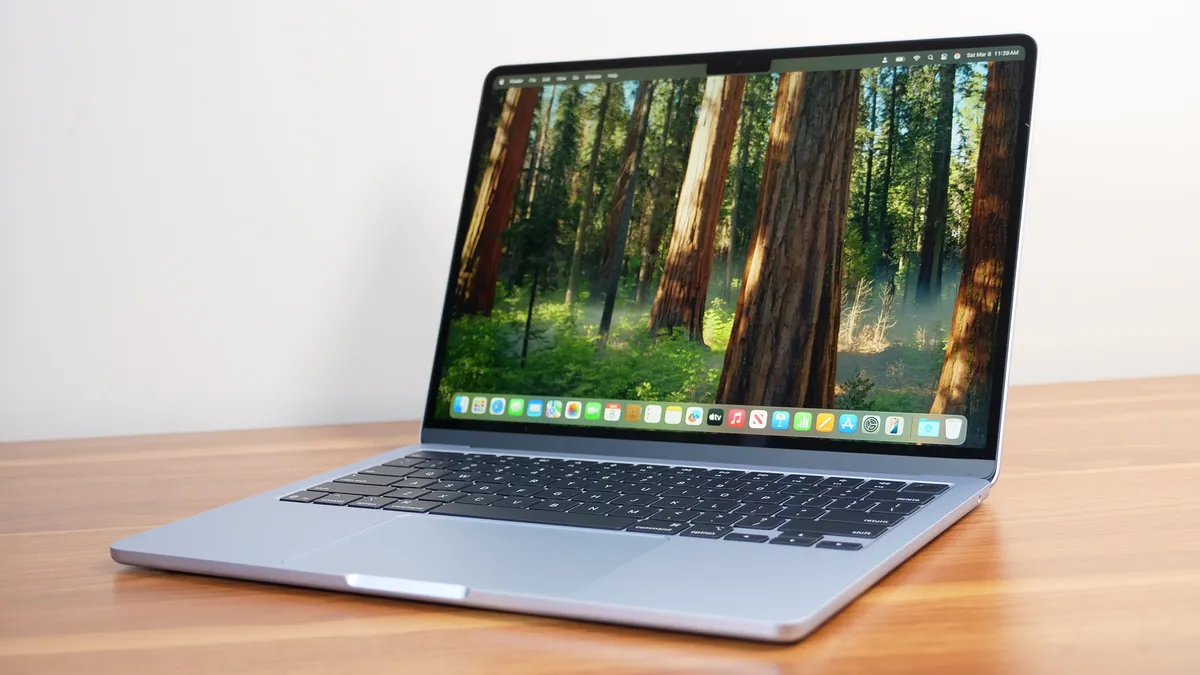
MacBook Pro M3 Pro review 2026 for developers now with you…
MacBook Pro M3 Pro in 2026: The Sweet Spot for Developers?
As we move through 2026, the Apple Silicon landscape has become more diverse than ever. With the M4 and the rumored M5 chips dominating the headlines, many professionals are asking a crucial question: Is the MacBook Pro M3 Pro still a viable powerhouse for serious development work? At TechThames, we’ve spent years pushing this specific machine to its limits, and the results might surprise you.
Performance in a Post-M4 World
When the M3 Pro was first released, it was praised for its balance of efficiency and raw power. In 2026, even with the M4 Pro on the market, the M3 Pro’s 12-core CPU and 18-core GPU architecture remain incredibly relevant.
For iOS development, specifically working with Swift and Xcode, the build times remain exceptionally fast. Compiling complex applications with multiple dependencies still feels near-instantaneous. The M3 Pro’s unified memory architecture handles large local databases and multiple Docker containers without breaking a sweat.
The “Pro” Experience: Display and Build
The Liquid Retina XDR display continues to be the gold standard in 2026. Whether you are coding in a bright London park or a dimly lit office, the 1600 nits of peak brightness and ProMotion (120Hz) technology make the experience fluid. For developers, the screen real estate and the crispness of the text are vital for reducing eye strain during long “Deep Work” sessions.
M3 Pro vs. M4 Pro: Is the Upgrade Necessary?
While the M4 Pro offers a slight bump in neural engine performance for AI tasks, for the vast majority of software engineering tasks, the M3 Pro holds its ground:
- Code Compilation: The difference in Xcode build times between M3 Pro and M4 Pro is less than 10% in real-world scenarios.
- Thermal Management: The M3 Pro remains one of the coolest-running chips Apple has ever made, rarely spinning up the fans during standard development workflows.
- Battery Life: Even in 2026, we are still getting a solid 12-14 hours of heavy usage, which is more than enough for a full day at a co-working space without a charger.
AI and Machine Learning Capabilities
In 2026, every developer is an AI developer to some extent. The M3 Pro’s Neural Engine is more than capable of running local LLMs (Large Language Models) for coding assistance. If you are using tools like Copilot or running local instances for testing, the M3 Pro provides the necessary “Oomph” without the price tag of the latest model.
Verdict: Should You Buy or Hold?
If you currently own a MacBook Pro M3 Pro, there is no urgent reason to upgrade in 2026. It remains a top-tier machine that handles modern IDEs and multitasking with ease. If you are looking to buy a “New-to-you” machine, the M3 Pro represents the absolute “Sweet Spot” in the secondary or refurbished market—offering 90% of the latest performance at a much more accessible price point.
Key Technical Specs (Tested Version):
- Chip: Apple M3 Pro (12-core CPU, 18-core GPU)
- Memory: 18GB/36GB Unified Memory
- Storage: 512GB/1TB SSD
- Best For: iOS Development, Web Development, AI Prompt Engineering, UI/UX Design.
Copyright © 2026 TechThames. All rights reserved. No part of this publication may be reproduced or transmitted in any form without prior written permission from TechThames.com.